Actions
Bug #976
open

RNA-367 (Map Loading Issues, Location Permission UX, and Map Location Priority Hierarchy)
Start date:
08/27/2026
Due date:
% Done:
0%
Estimated time:
Description
Current Behavior / Identified Bugs
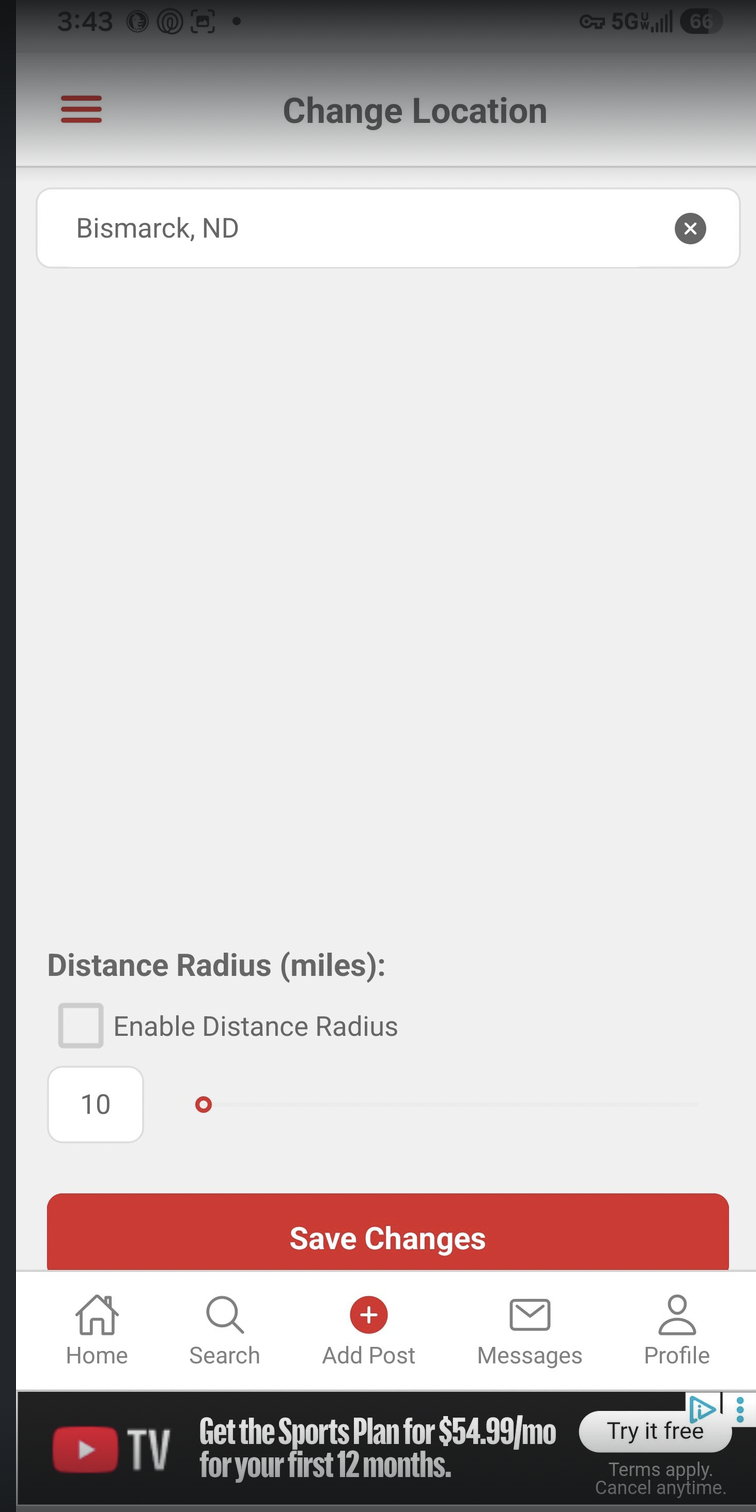
Map Breaking on Location Change: When location permissions are disabled, attempting to change the location breaks the map component. (this might be fixed already…)

Misleading Location Permission Message: The permission prompt implies that enabling location services is mandatory to set a location, even though tapping "OK" allows manual location entry. (Might be fixed)

Premature Location Prompt: The "Location Access Required" popup appears automatically when the map loads, rather than being triggered by an explicit user action. (might be fixed)

Delayed Map Rendering: Entering a new location does not update the map dynamically; the map fails to render the new coordinates until the user saves and navigates back to the map page.
Expected Behavior & Technical Requirements
1. Location Permission & UI Fixes
Do NOT display the location permission popup automatically on map load.

Only trigger the location permission prompt if the user explicitly taps the Locate Me / Target icon on the map while permissions are turned off.

Ensure entering a new location updates and re-renders the map view immediately without requiring the user to save and navigate away/back.

Ensure the map does not break/crash when location permissions are disabled and a user manually changes locations.
2. Map Location Initialization Order
When initializing or loading the map, the application must evaluate location sources in the following strict priority order:
User-Selected Location (Highest Priority)

    Check: Has the user manually selected a location on the map page during the active session?

    Action: Render the map centered on this selected location.

Device Location

    Check: Are device location permissions already granted AND is a valid GPS/device coordinate available?

    Action: Use current device coordinates. (Reminder: Do NOT prompt for permissions automatically on load).

User Account Saved Location

    Check: Is the user logged in AND do they have a saved home city, address, or ZIP code in their Profile Settings?

    Action: Fetch coordinates for the saved profile location and render the map centered there.

Default Hardcoded Fallback (Lowest Priority)

    Condition: None of the above sources are available (e.g., user is logged out, no session filter exists, no profile address is saved, location permissions are denied/off).

    Action: Default the map view to Bismarck, ND (Lat: 46.8083, Long: -100.7837).
Files
 Updated by Mubashir Siraj about 21 hours ago
- Status changed from New to In Progress
Actions